Image to Prompt
JPG, PNG or WebP · Up to 4 MB · 8192 px per side
An inferred description, rather than the image’s original prompt. Results can vary across image models.
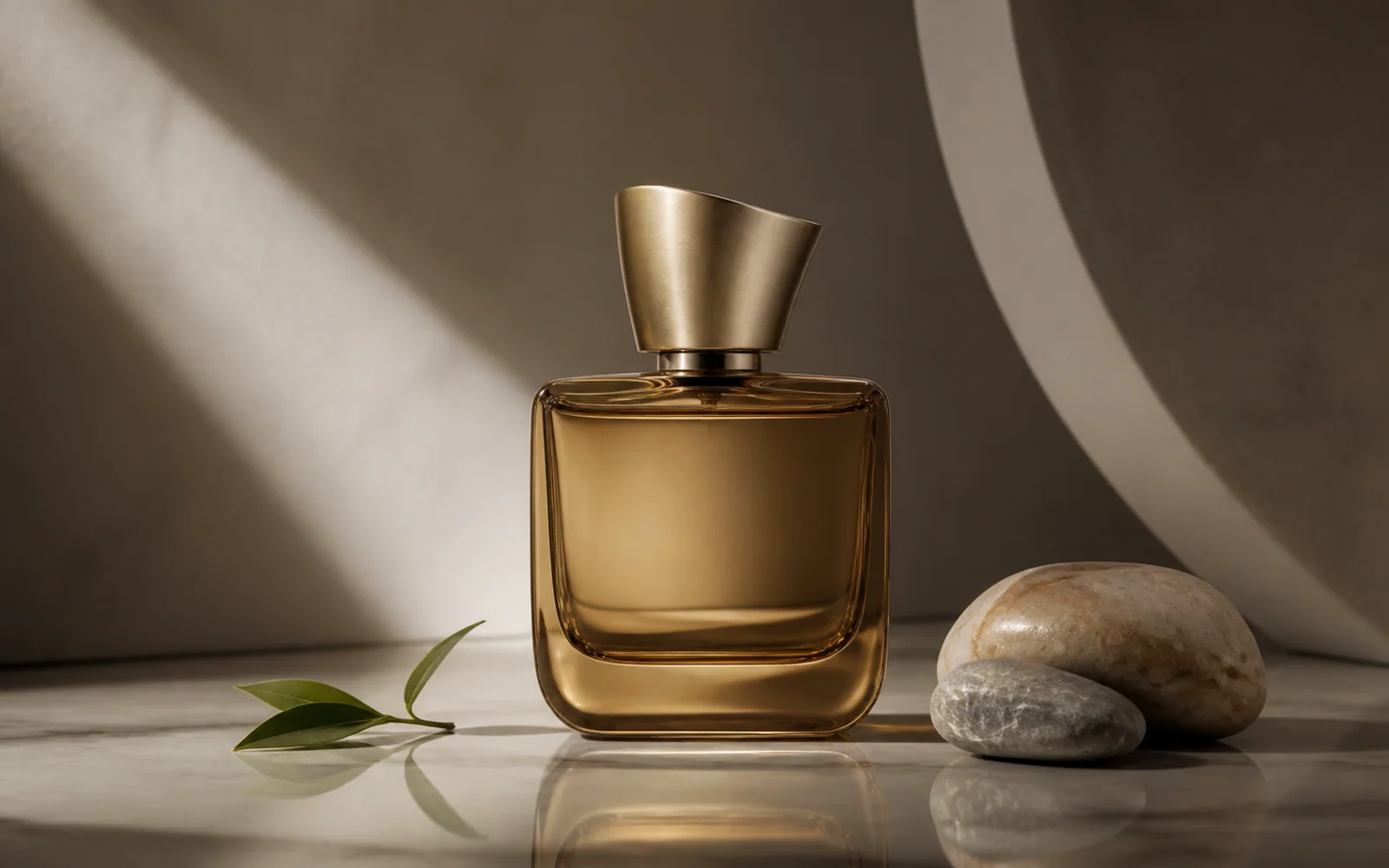
Illustrative prompt
A commercial still-life photograph of an amber glass perfume bottle with a sculptural golden cap, centered on a polished beige stone surface. Smooth pale stones sit to the right and a small green sprig lies to the left. Warm directional sunlight from the upper left creates diagonal shadows across a neutral curved backdrop. Earthy brown and cream palette, realistic glass reflections, restrained composition, low camera viewpoint, landscape framing.
Written example for this reference; not a live analysis result.
Turn a visual reference into words you can use.
Image to Prompt translates the visible content of a photo, illustration or design into a text description for AI image generation. Start with one clear reference, review the inferred prompt and adapt it to your next idea.
Describe the whole composition
Capture the subject, its position, the camera viewpoint and the relationship between foreground and background.
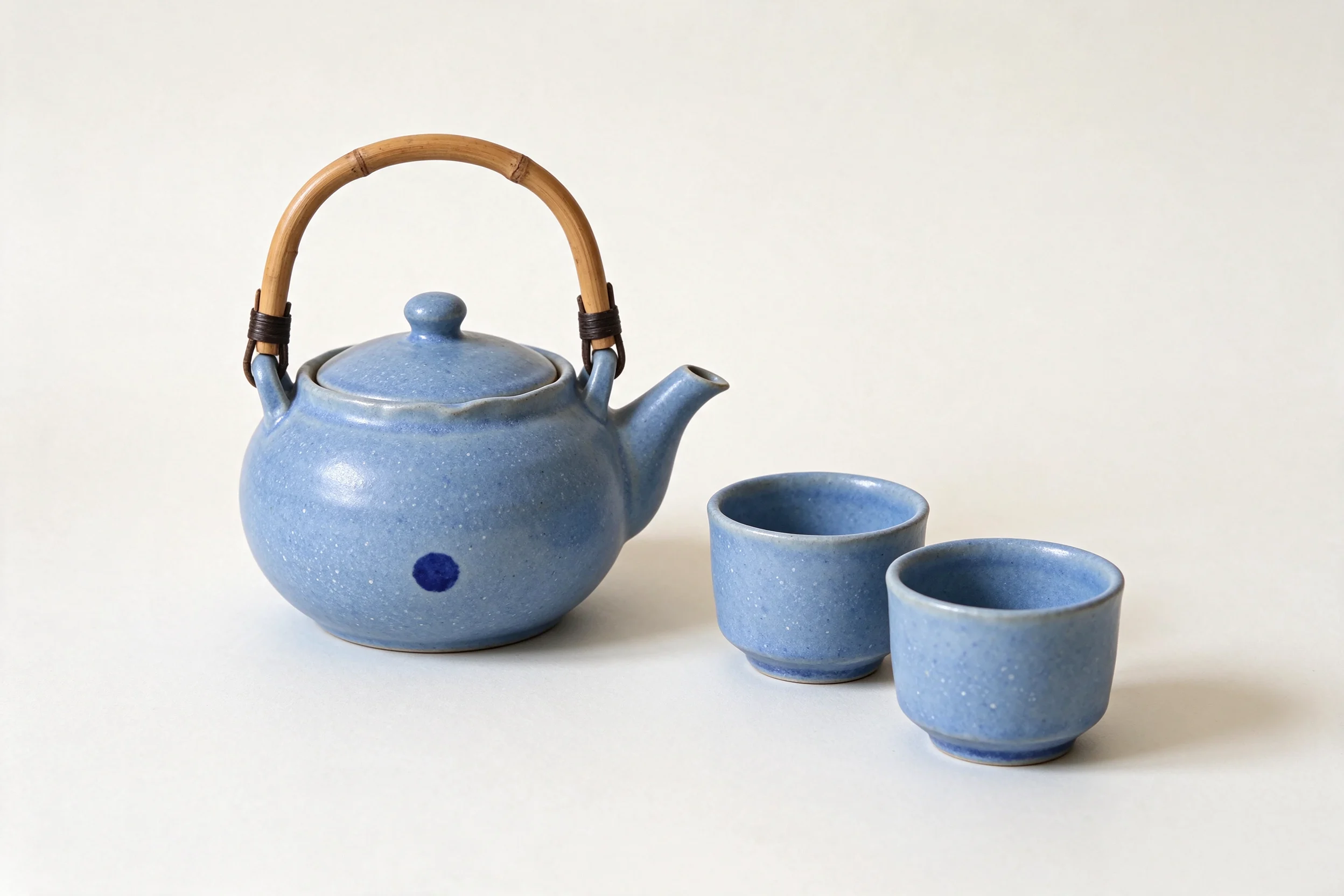
Put lighting and materials into words
Describe visible light direction, shadows, colors and textures so you can carry those details into a new creative brief.
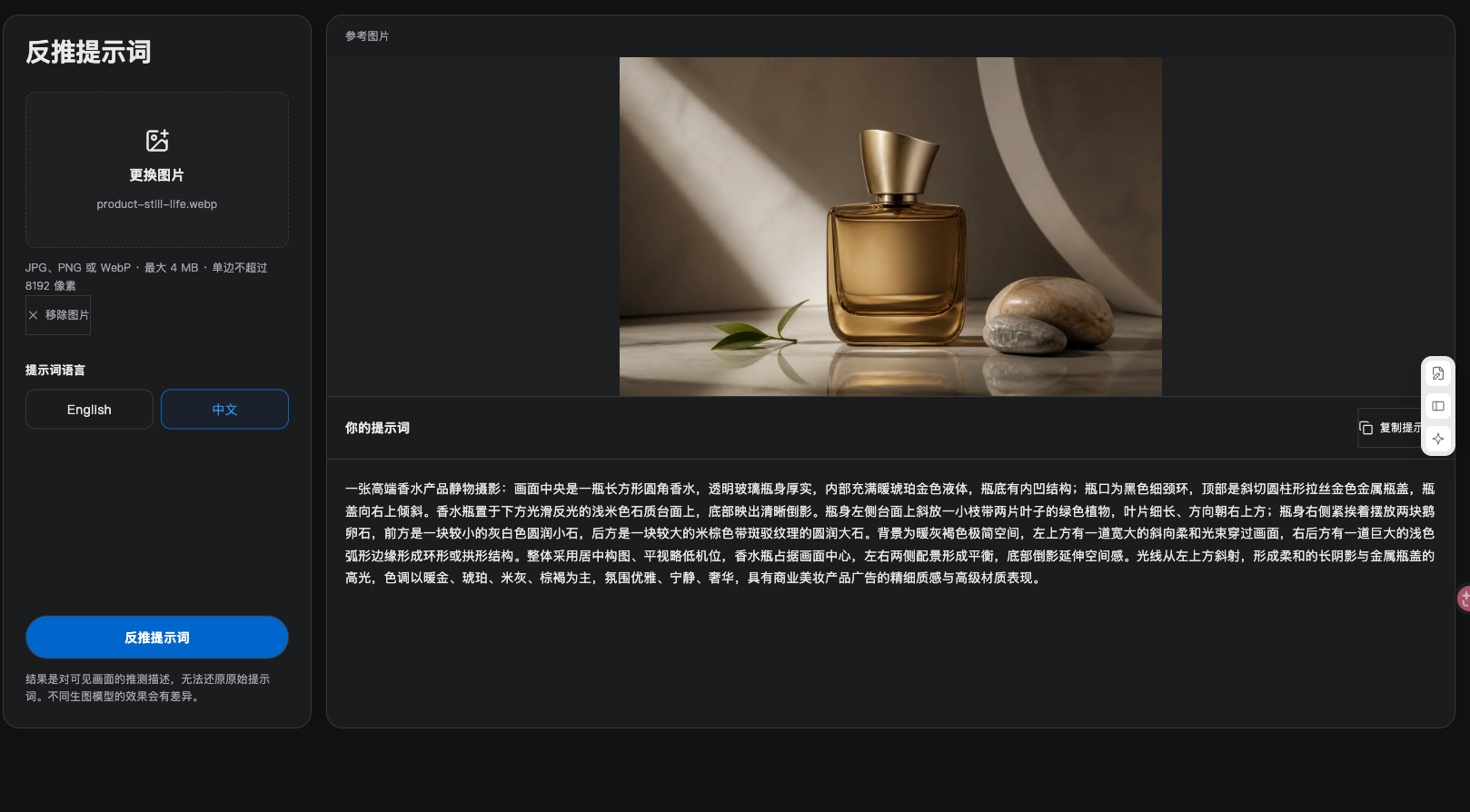
Work in English or Chinese
Choose the output language before analyzing. Copy the resulting prompt and refine it for the image model you use.
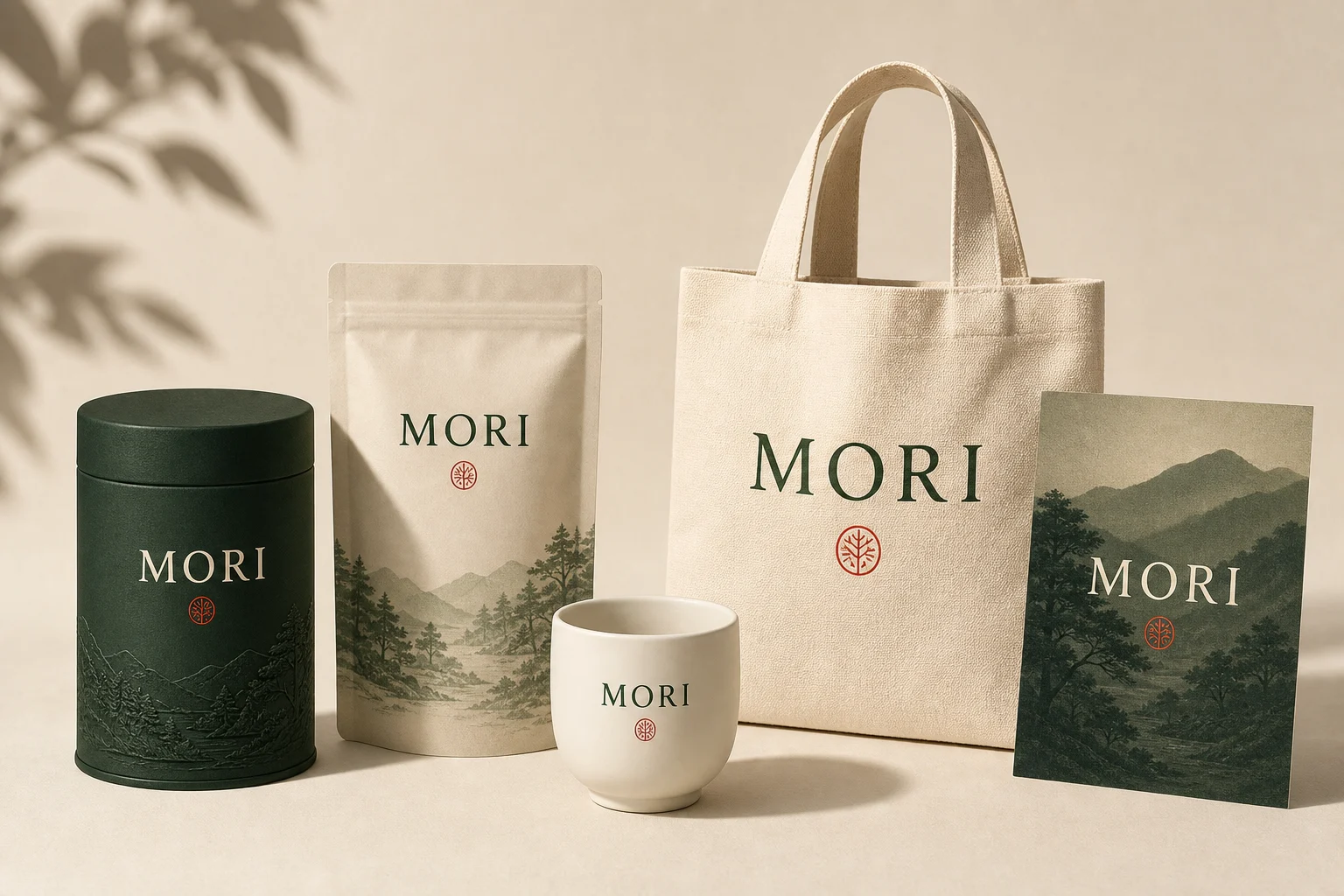
Keep a reusable visual brief
Bring the inferred subject, light and material description into a new creative brief. Change the parts you need while keeping the reference’s visual direction in words.
From reference to prompt in three steps
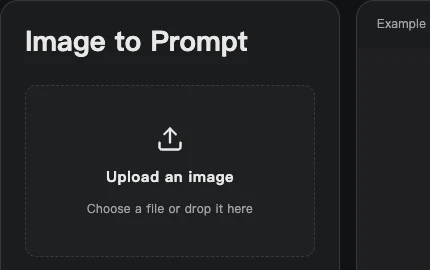
Upload your reference
Choose a clear JPG, PNG or WebP image with the subject and composition you want to describe.
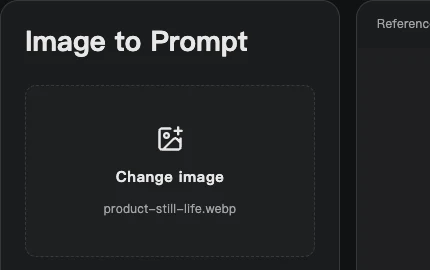
Choose the language
Select English or Chinese, sign in and generate the prompt.
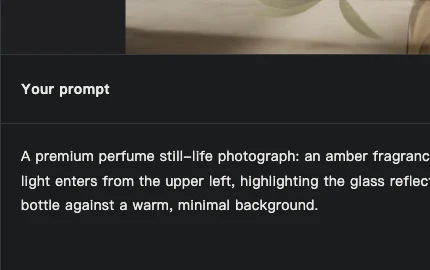
Review and copy
Check the description, copy the text and adapt it for your next image.
Keep creating
Image to Prompt questions
Can it recover the exact original prompt?
No. It infers a new prompt from visible image content. The original wording, model, seed and hidden generation settings cannot be recovered reliably from an image.
Which image files can I upload?
Upload one JPG, PNG or WebP image up to 4 MB, with neither side exceeding 8192 pixels. A clear image with a readable subject and background works best.
Can I choose the prompt language?
Yes. Choose English or Chinese before generating. The page language and the prompt language can be different.
Will the prompt reproduce the same image?
The prompt is a starting point. Different models and settings produce different results, so review the description and refine it for your intended composition and style.
Does this generate an image?
This tool returns text only and requires sign-in. Copy the prompt into an image generator when you are ready to create; image generation follows that generator’s settings and credit rules.
Start with an image. Leave with a prompt.
Bring the composition, light and visual details of your reference into your next creative brief.
Upload a reference