Image Layer Splitter
Sign in to use this tool.
Image Layer Splitter
Separate a flattened design into reusable image layers with Banana Pro. Choose the layer count or guide the split, inspect transparent edges, and export the result.
Separated layers are estimates, not recovery of the original authoring document.
Split into layers ↑
Start with automatic layers
Choose a layer count to separate a composition without drawing every boundary.
- Two to eight requested layers
- Useful for flattened artwork
Guide a specific separation
Add a short instruction or mark regions when you need a more deliberate split.
- Custom separation guidance
- Review overlapping areas
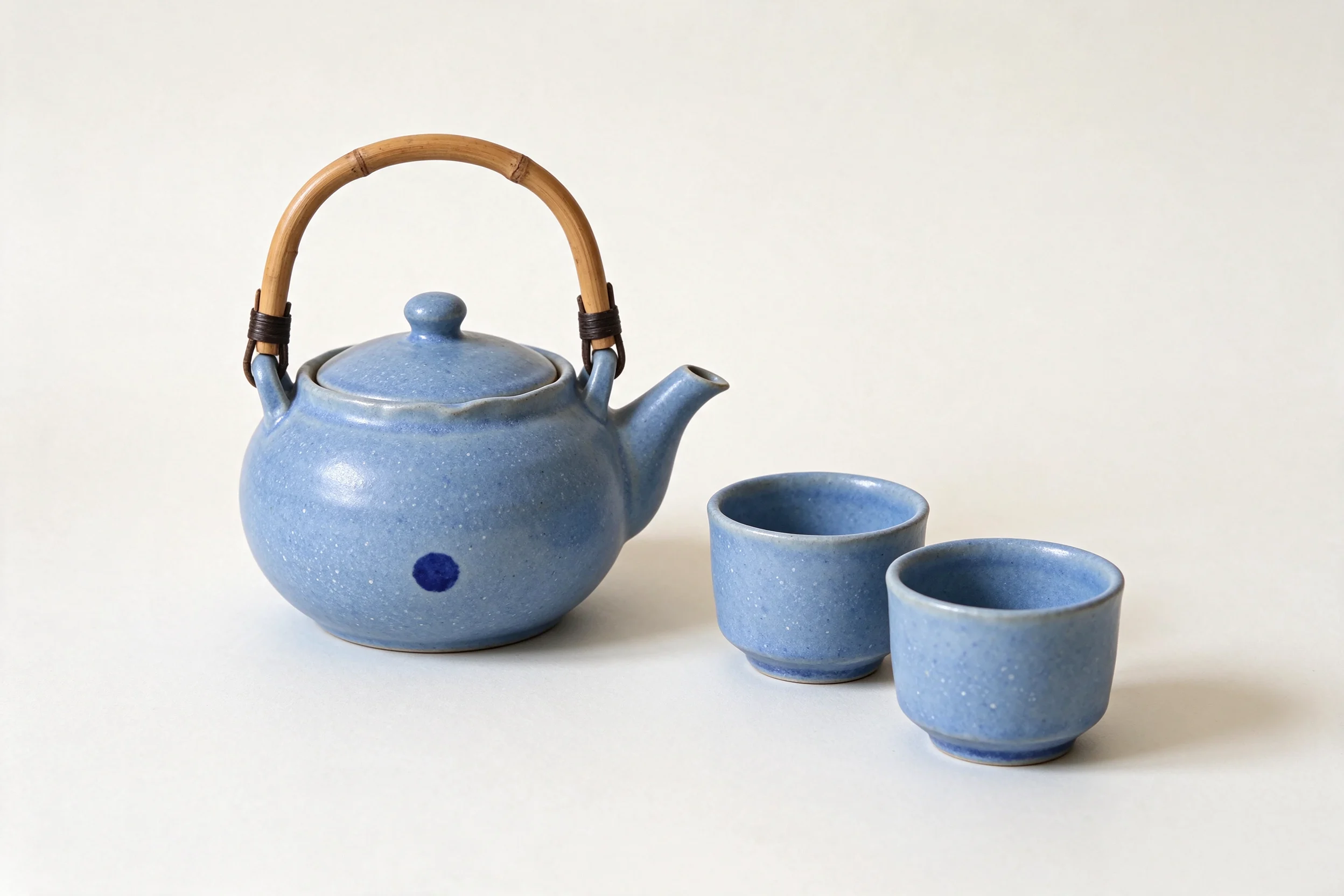
Reuse the separated pieces
Inspect each layer before arranging it in a new composition or exporting it.
- Transparent image layers
- Hidden regions may be reconstructed

Keep the composition organized
Use the separated pieces with their relative positions when rebuilding the composition. Inspect each layer independently before moving it into a new layout.
- Relative layer placement
- Independent edge inspection
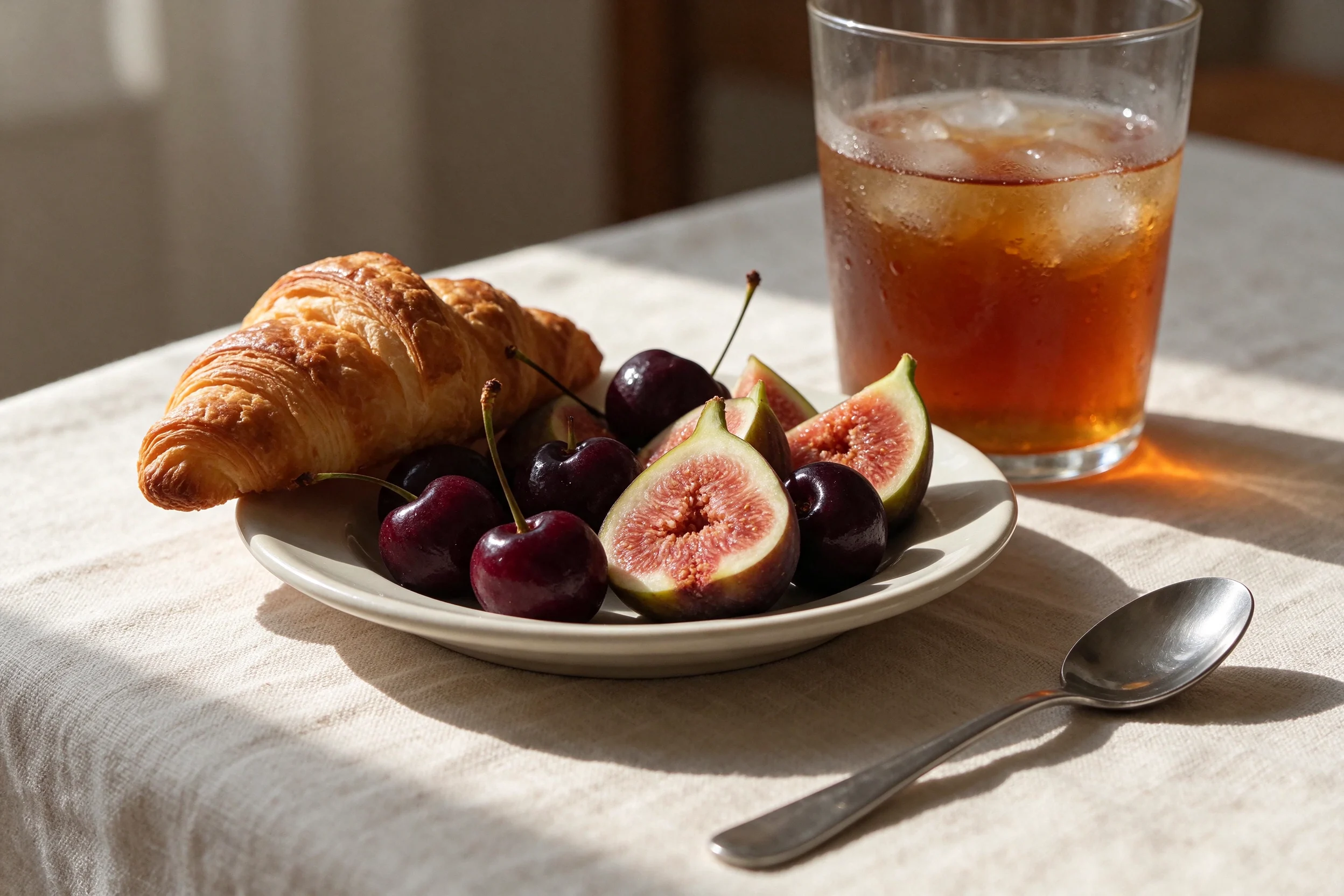
Three simple steps
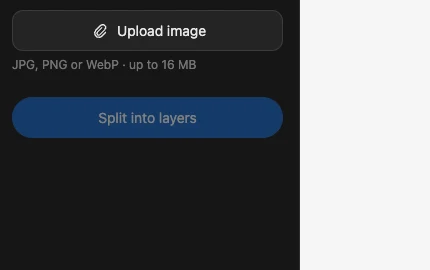
Upload a flattened image
Start with the full composition you want to separate.
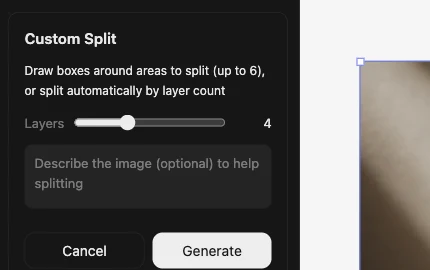
Choose the split
Select the layer count or guide the regions.
Inspect and export
Check edges and reconstructed areas before saving.
Keep working on your image
Frequently asked questions
Does this recover the original Photoshop file?
No. The source layer structure, masks, fonts, and adjustment history cannot be recovered from a flattened image.
Are the layers editable?
They are separate image layers. This does not make every object a vector or every word live text.
How many layers can I request?
The current split control supports two to eight layers.
What happens behind overlapping objects?
The model may infer hidden areas. Check those areas before using the layers independently.
What source works best?
Clear objects with distinct boundaries are easier than dense textures, reflections, or tightly overlapping subjects.
Image Layer Splitter
Choose a composition with distinct foreground objects and a readable background.
Split into layers