Image to 3D
Sign in to use this tool.
Image to 3D
Generate a 3D interpretation of an object image with Banana Pro. Preview the model from different angles and download the GLB file.
A single-image 3D model is inferred geometry, not a dimensional scan or a production-ready asset guarantee.
Generate 3D model ↑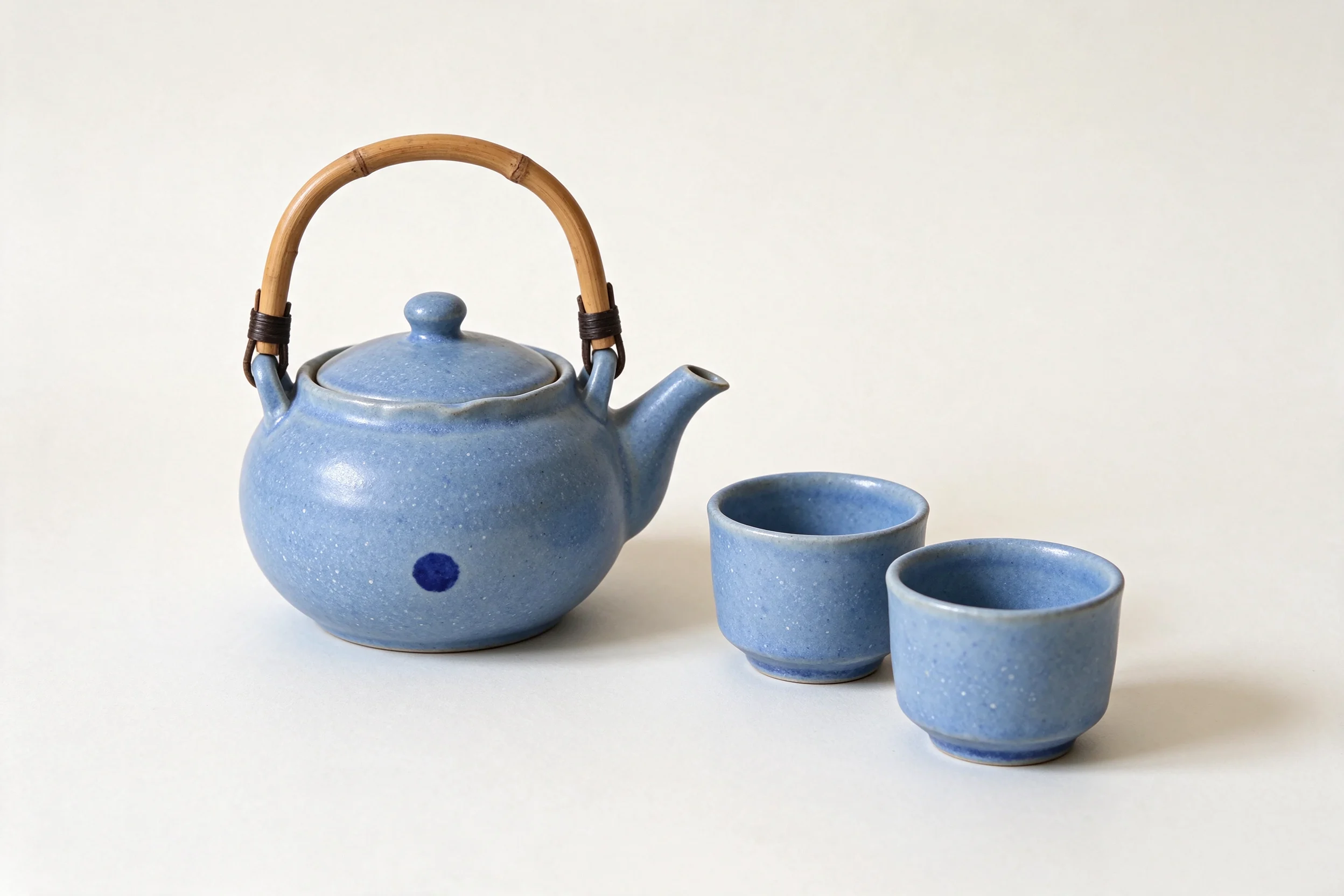
Use an object image
Provide a readable silhouette and visible surface details.
- Single-image reference
- Distinct shapes are easier to review
Inspect the model in 3D
Rotate the generated model to examine front, side and inferred back surfaces.
- Interactive model preview
- Check geometry and texture

Download the GLB
Take the model into a compatible 3D tool for inspection and further work.
- GLB model output
- External editing may be needed
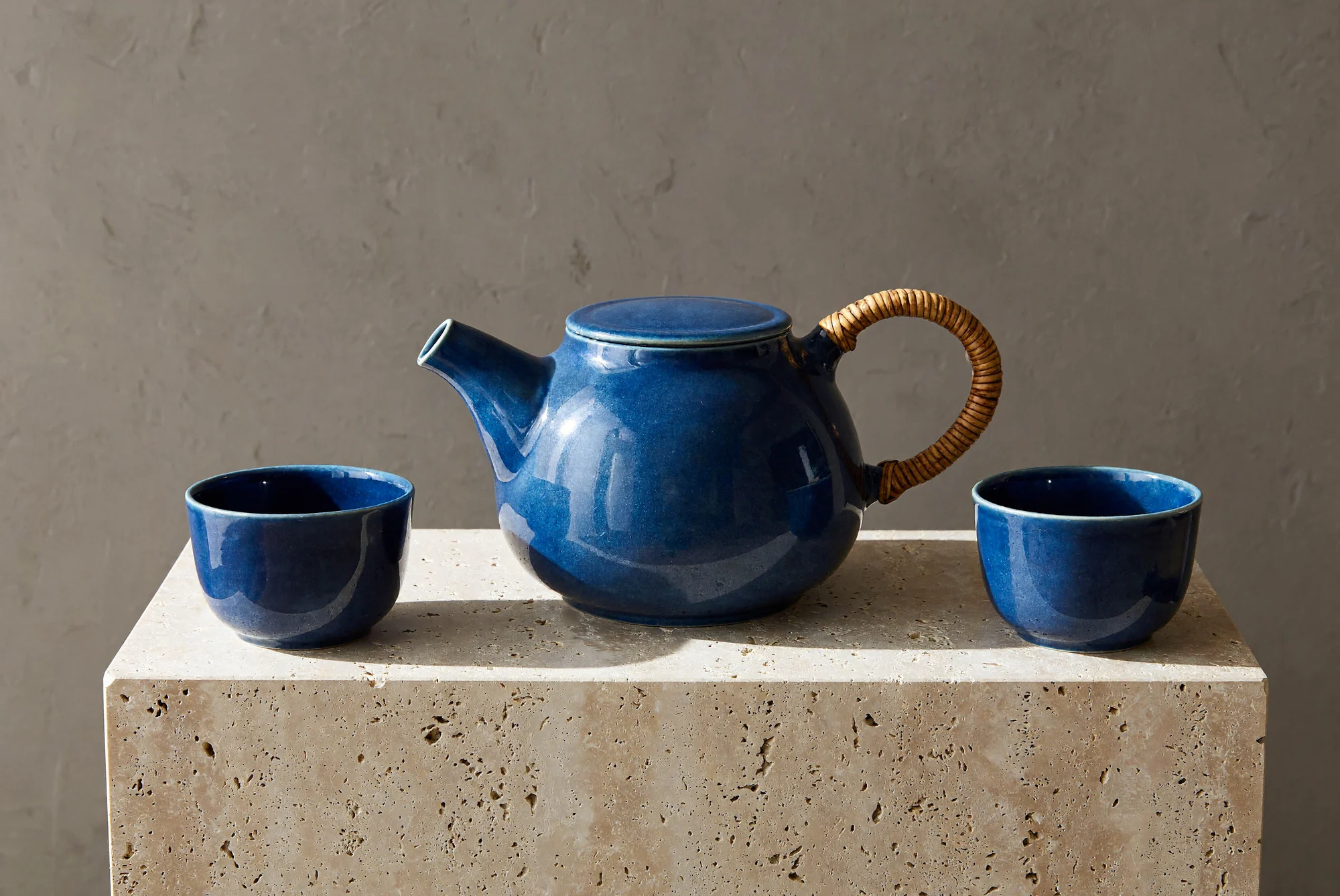
Check the surfaces the photo cannot show
Turn the preview to examine the back and underside. These areas are inferred, so compare their plausibility with the visible shape before keeping the model.
- Back and underside inspection
- Hidden surfaces are inferred

Three simple steps
Upload an object image
Start with a clear view of one subject.
Generate the model
Create a 3D interpretation of the reference.
Inspect and download
Rotate the preview and save the GLB.
Keep working on your image
Frequently asked questions
Is this a precise 3D scan?
No. The model infers geometry from a single image and cannot measure hidden surfaces.
What file is downloaded?
The existing model workflow produces a GLB model file.
Can it recover the back of the object?
It generates a plausible interpretation of unseen surfaces; those details are not recovered facts.
Is it ready for manufacturing?
No. Validate scale, geometry and material requirements in a suitable 3D application.
What source should I use?
Choose a distinct object with a clear silhouette and avoid clutter or heavy occlusion.