AI GIF Generator
Billed at actual provider usage, 1:1, rounded to the nearest 0.5 credits.
Usage varies with frames, quality and references.
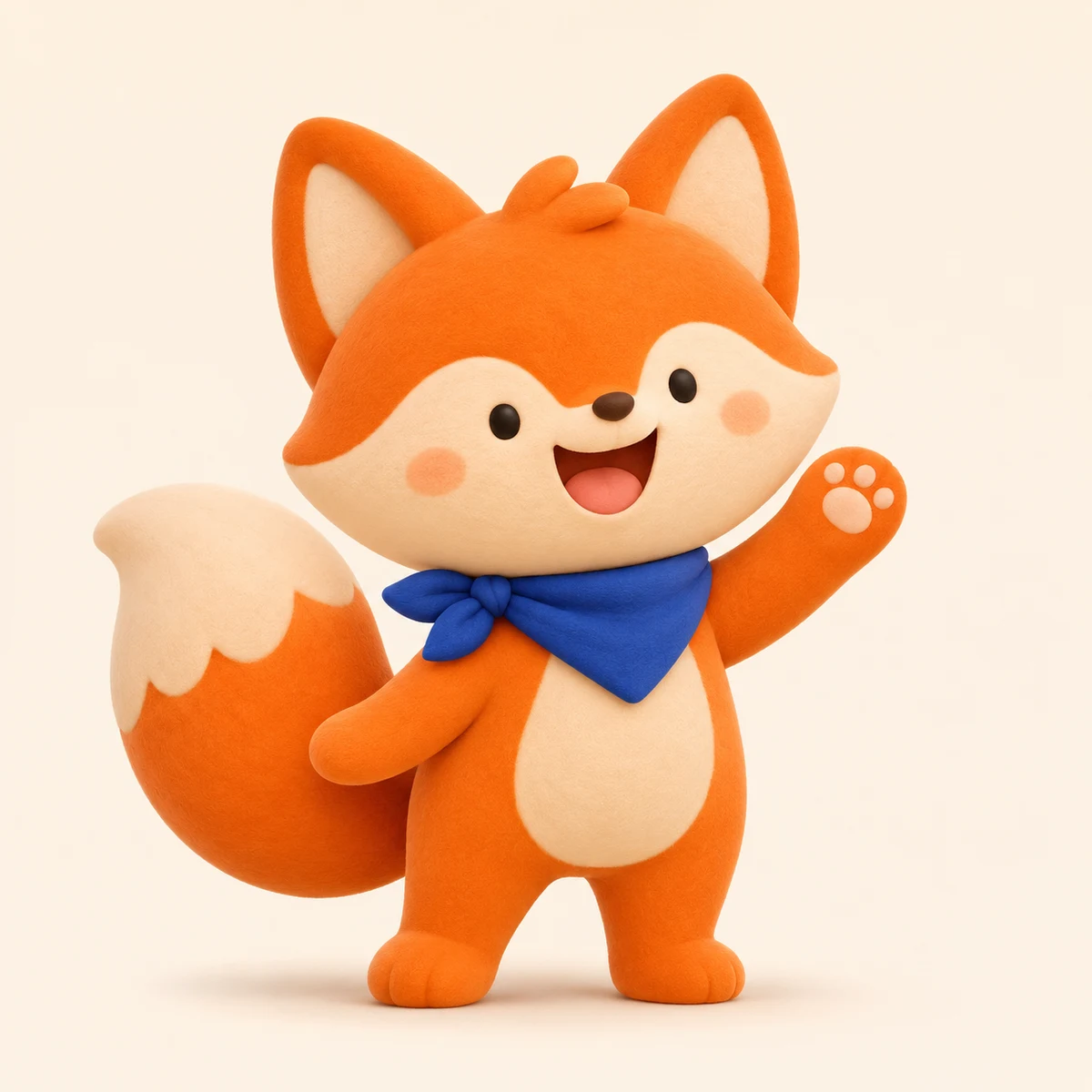
Start with a small idea
Give an expression a little motion
Say who moves, how they move and where the action ends. A focused action makes it easier to review the subject and check how the final frame joins the first.
Generate GIFPlan a short action in frames
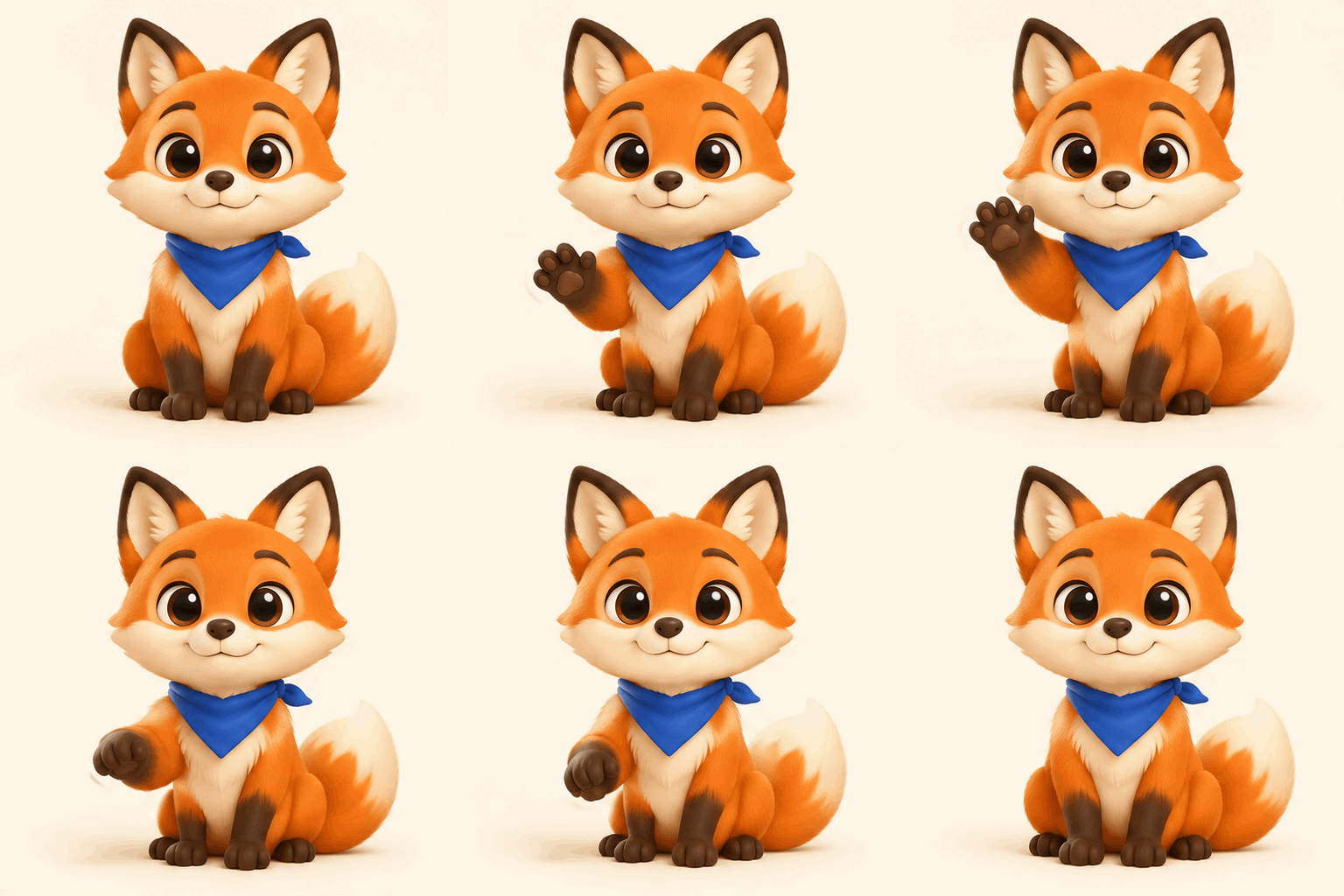
Choose 2–16 frames. A few frames suit small changes; more frames allow intermediate poses. Preview the output to assess continuity.
- 9 frames by default
- 512 × 512 pixels
 010203040506070809
Set the rhythm of the loop
Set each frame to 20–2000 milliseconds. Frame count and frame timing determine the length of one playback.
- 200 milliseconds per frame by default
- Default 9-frame loop: about 1.8 seconds
Start with your own character
Add references for the character or visual style, then describe the movement. References do not guarantee identical details in every frame.
- Up to 16 reference images
- JPG, PNG and WebP inputs
GIF · 512 × 512How to generate GIF
- 01
Describe the subject
Describe the subject, motion and background. Add references if helpful.
- 02
Choose your settings
Choose a model, frame count and timing; review usage-based billing.
- 03
Review and download
Review the subject and loop transition, then download the original GIF.
Keep creating
GIF generation FAQ
Can I make a GIF with text alone?
Yes. Describe the subject and movement, or add up to 16 JPG, PNG or WebP reference images.
How do I control the duration?
Choose 2–16 frames and 20–2000 milliseconds per frame. The default is 9 frames at 200 milliseconds each: about 1.8 seconds per loop.
Will downloads preserve the animation?
Downloads use the original returned GIF without screenshots, PNG conversion or Canvas redrawing.
How can I improve the loop transition?
Choose a short action such as waving or blinking, and ask the subject to return to its starting pose. Review the frame transitions after generation.
How do credits and downloads work?
Actual provider usage is billed 1:1, rounded to the nearest 0.5 credits. Frames, quality and references affect usage. Original GIF downloads use the site's paid download access.
Put your next idea in motion
Start with a focused prompt, then review the details of your result.
Generate GIF