AI Image Upscaler
Sign in to use this tool.
AI Image Upscaler
Upload a photo or illustration, choose a larger output size, and enlarge it with Banana Pro. Compare faithful upscaling with optional detail enhancement.
Upscaling cannot guarantee recovery of real detail that is absent from the source.
Upscale image ↑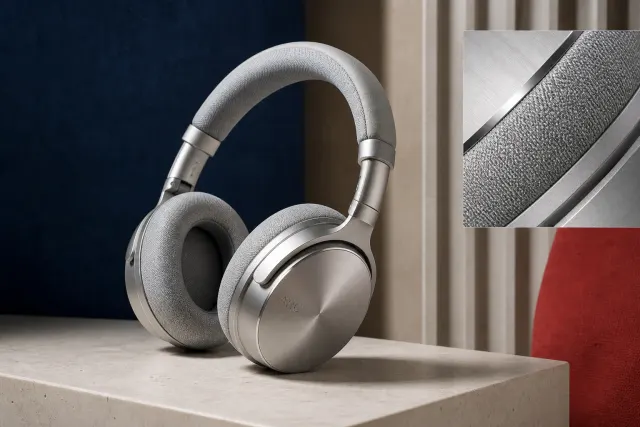
Choose a useful output size
Select an available size above the source resolution instead of guessing a scale factor.
- 2K, 4K, and 8K targets
- Source aspect ratio retained
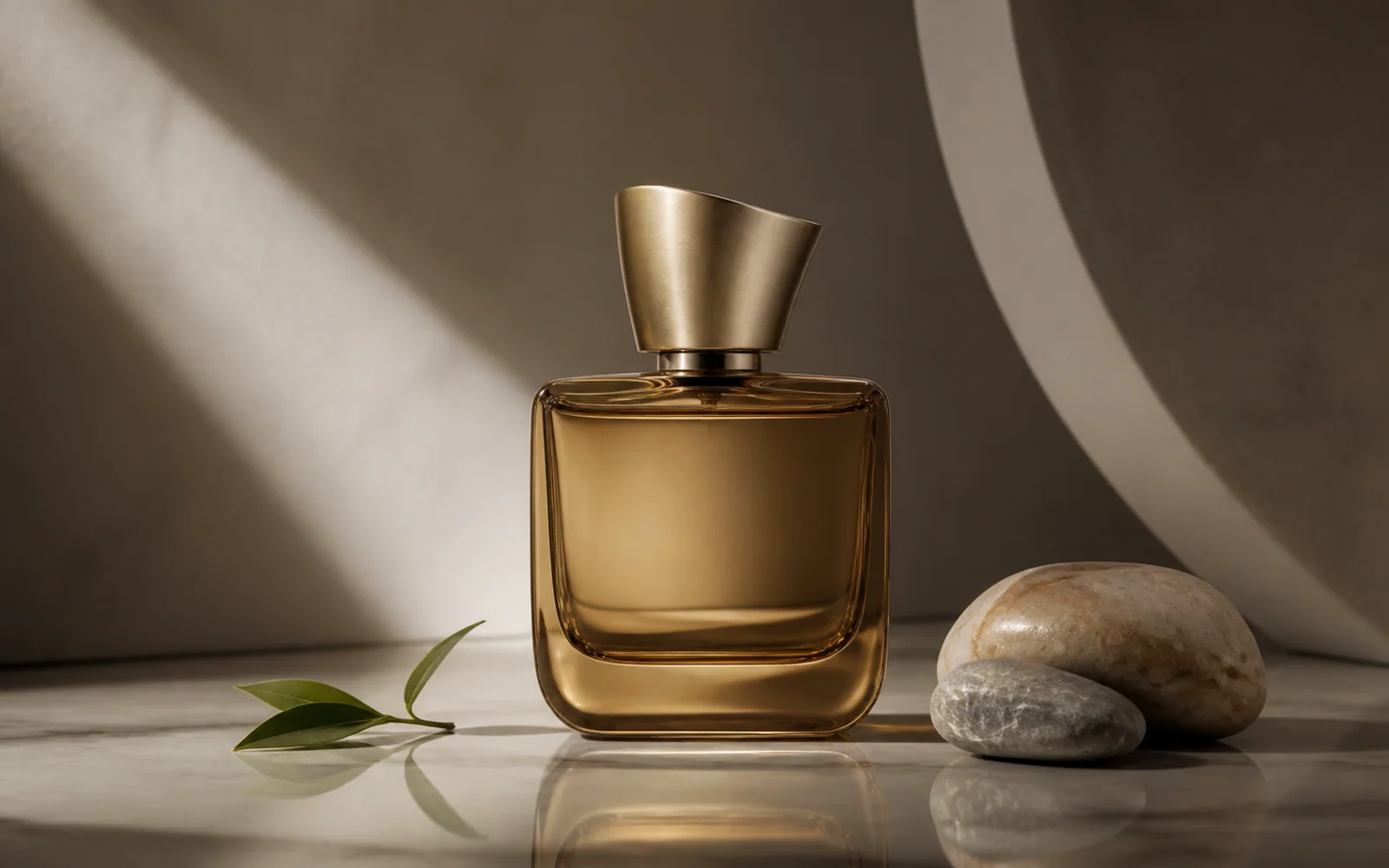
Keep the source appearance
Use faithful upscaling when product shapes, lettering, or a consistent visual identity matter.
- A practical first choice for product photos
- Review small text at full size
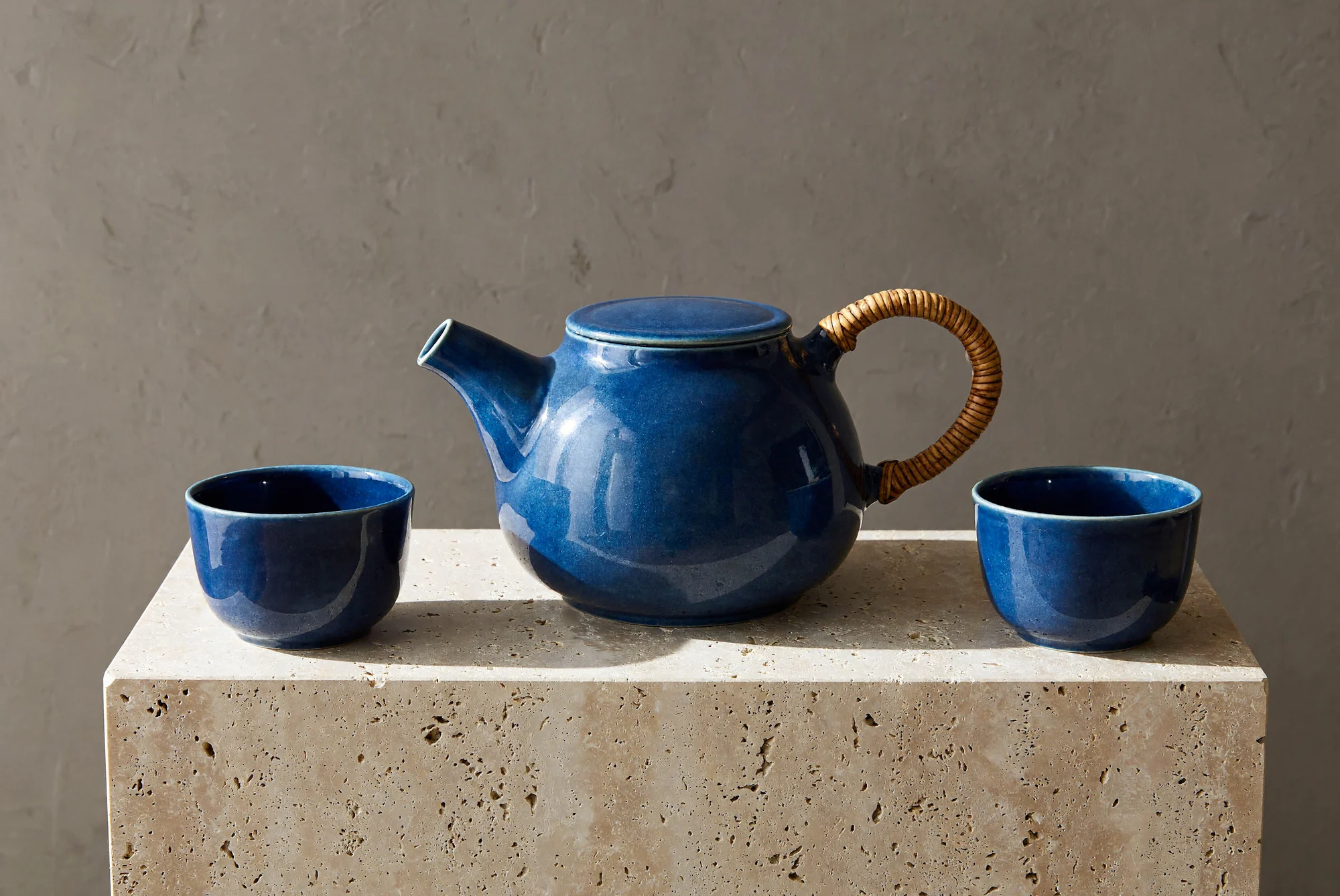
Try stronger detail enhancement
Switch to the creative mode when a reconstructed texture is more useful than a close match to the source.
- Style and strength controls
- Compare against the original
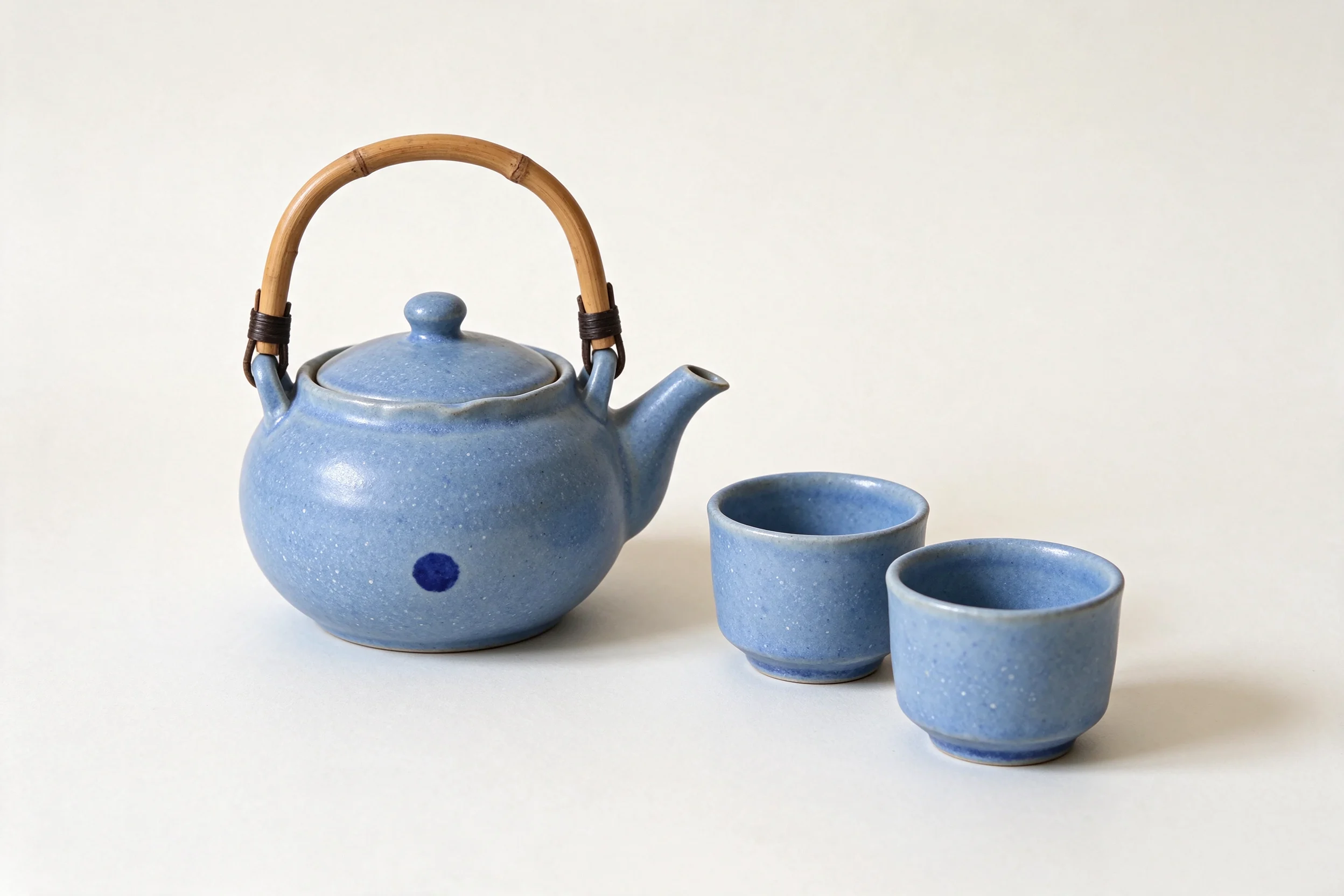
Inspect fine details at the new size
Check small lettering, thin outlines and repeating textures at the output scale. Use the source as a reference when an enhanced detail looks too different.
- Lettering and product edges
- Texture consistency
Three simple steps
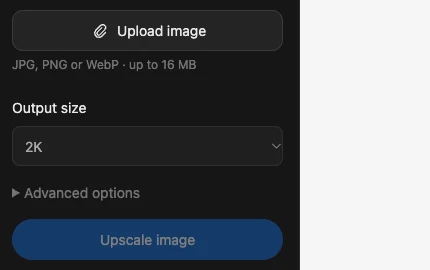
Upload your image
Start from the best source you have.
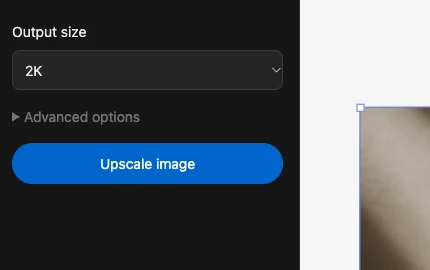
Choose the size
Keep the default appearance or try detail enhancement.
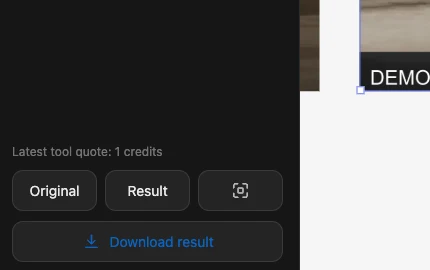
Review and download
Inspect edges and small details before saving the result.
Keep working on your image
Frequently asked questions
Can this recover the original missing details?
No. Upscaling estimates detail from the available pixels. Creative enhancement may invent textures.
Why is a size unavailable?
Targets at or below the source size are not enlargement options.
Will the aspect ratio change?
The chosen output size scales the image while retaining its aspect ratio.
Which mode should I start with?
Start with faithful upscaling. Try detail enhancement when you are comfortable with possible visual changes.
What should I check before using the result?
Inspect faces, product edges, logos, and lettering. A larger file does not guarantee accurate new detail.