Animate Image
Sign in to use this tool.
Animate Image
Turn a still image into an animated WebP with Banana Pro. Describe a simple motion, review the animation, and download the animated image.
Generated motion can deform objects or alter details. Review the full animated WebP; the output has no audio track.
Animate image ↑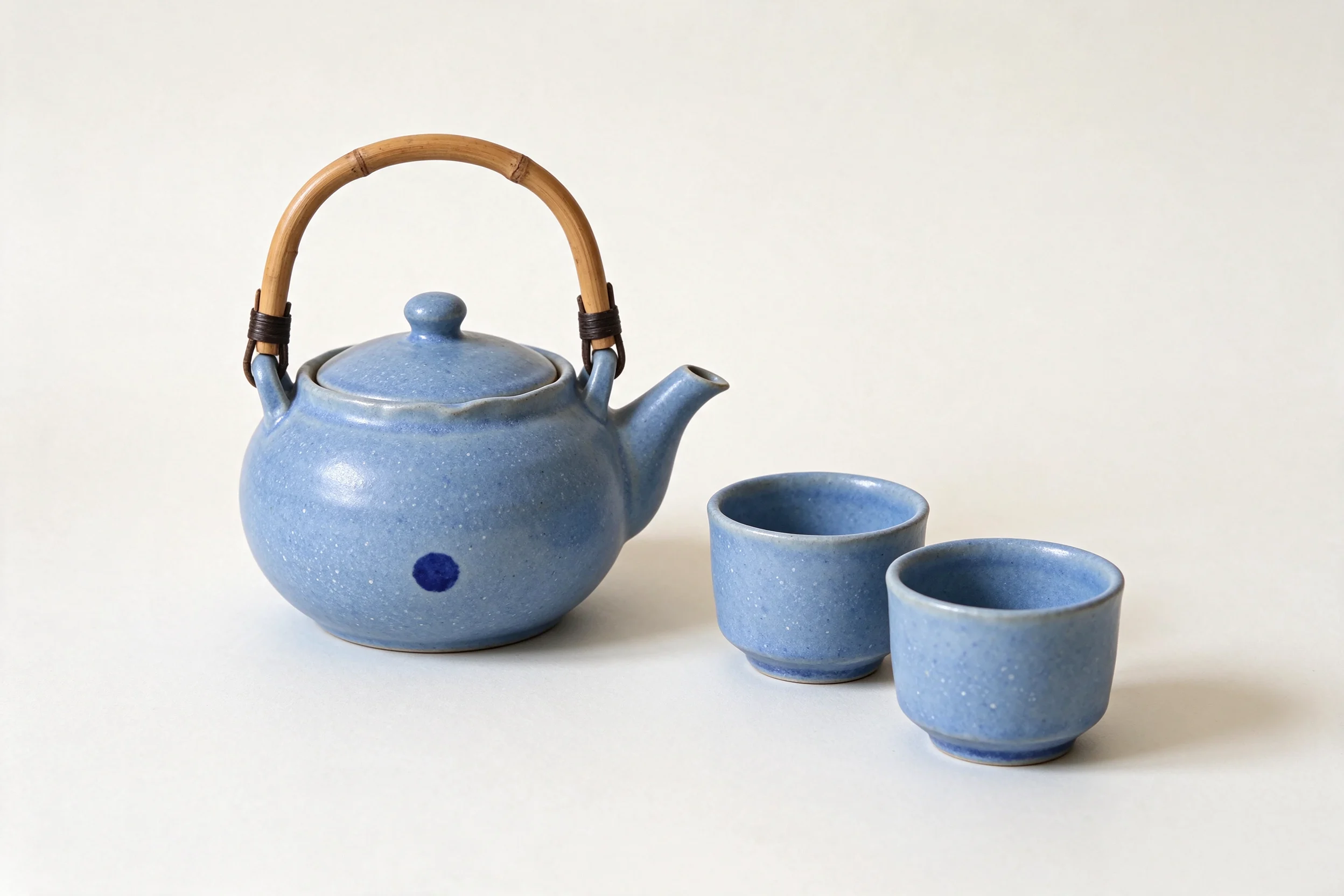
Start from a still image
Use the source composition to guide the generated motion.
- Single-image input
- Subject and scene reference
Describe the movement
Explain one action or a restrained camera motion.
- Optional motion direction
- Loop setting where supported

Review the animation
Watch movement, object consistency and the animation’s beginning and end.
- Animated WebP output
- Download the generated file

Use a silent animated WebP
The output is a moving image file, suitable for places that accept animated WebP. Check format support in your destination; the animation has no audio track.
- Animated WebP image
- No audio track or MP4 output

Three simple steps
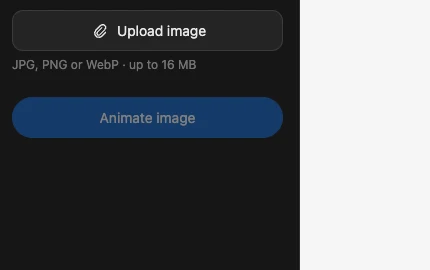
Upload your image
Choose the still composition.
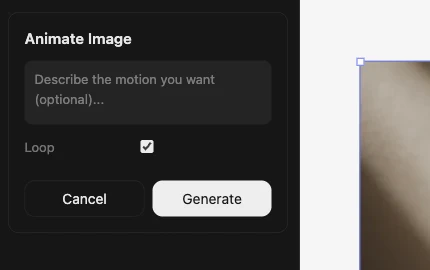
Describe the motion
Start with one simple action.
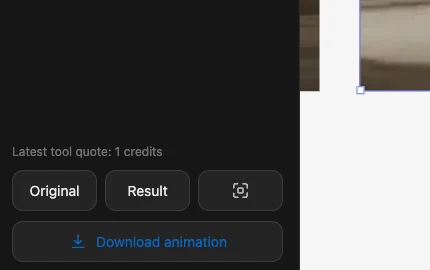
Watch and download
Review the full animation before saving.
Keep working on your image
Frequently asked questions
Does this create a GIF or MP4?
No. This workflow returns an animated WebP image, not a GIF or MP4. It does not include an audio track.
Can I control every frame?
No. The model generates intermediate motion from the image and instruction.
Will the subject stay identical?
Not guaranteed. Inspect faces, products and lettering throughout the animation.
How can I improve the result?
Use a clear source and a simple, specific motion instead of several unrelated actions.
What does the loop option mean?
It asks the workflow to make the motion return toward the source frame. Inspect the end-to-start transition before using the animation as a loop.