AI Style Transfer
Sign in to use this tool.
AI Style Transfer
Restyle a reference image with Banana Pro. Choose an illustration or rendering style, optionally provide a style reference, and review the generated image.
Style transfer generates a new interpretation and may change identity, lettering or design details.
Apply style ↑
Choose a visual medium
Try supported painting, illustration and rendering presets.
- Watercolor and sketch options
- Anime and 3D-style looks
Guide the style with a reference
Provide a style image when a preset does not explain the look you want.
- Optional reference image
- Keep the source subject as context

Compare the interpretation
Review which shapes and details changed with the new style.
- Download the generated image
- Small details may change
Build a set around one reference
Try different visual media from the same source when exploring a campaign direction. Compare the subject and key shapes across variations instead of assuming identical details.
- One source, several style trials
- Review consistency between versions

Three simple steps
Upload the source
Choose the subject you want to restyle.
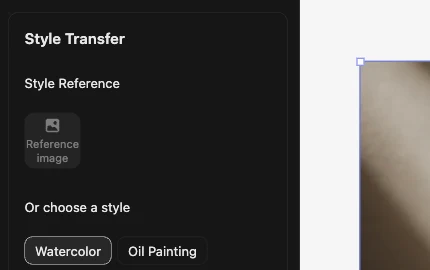
Choose the style
Select a preset or provide style guidance.
Review and download
Inspect the interpretation before saving.
Keep working on your image
Frequently asked questions
Does this keep every detail unchanged?
No. Style transfer can change shapes, text and small details while interpreting the source.
Can I use a style reference?
The supported workflow accepts an optional reference image for style guidance.
Is a 3D-style result a 3D model?
No. It is a rendered-looking image. Use Image to 3D when you need a model file.
Which image works best?
A clear subject and readable composition make it easier to evaluate the restyled result.
Can I revise the result?
Review the first image and try a different preset or instruction when the style is too strong.