Photo Effects
Sign in to use this tool.
Photo Effects
Add supported blur and shadow effects to an image with Banana Pro. Adjust the visible effect and download the rendered composition.
These are image effects, not a generated scene or an unrestricted artistic filter library.
Apply effects ↑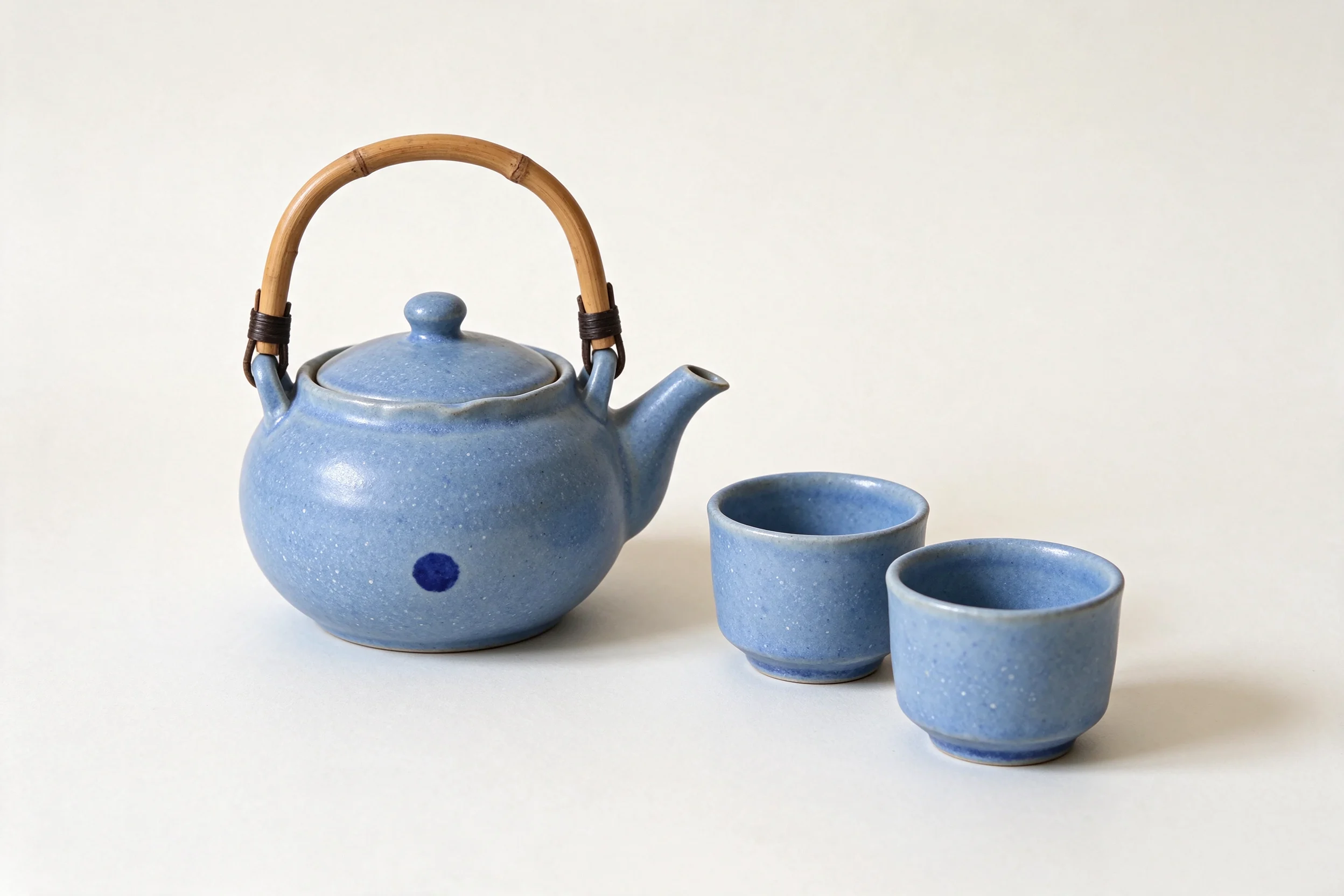
Soften the image
Adjust the image blur without generating a new scene.
- Adjustable blur
- Preview the visible softness
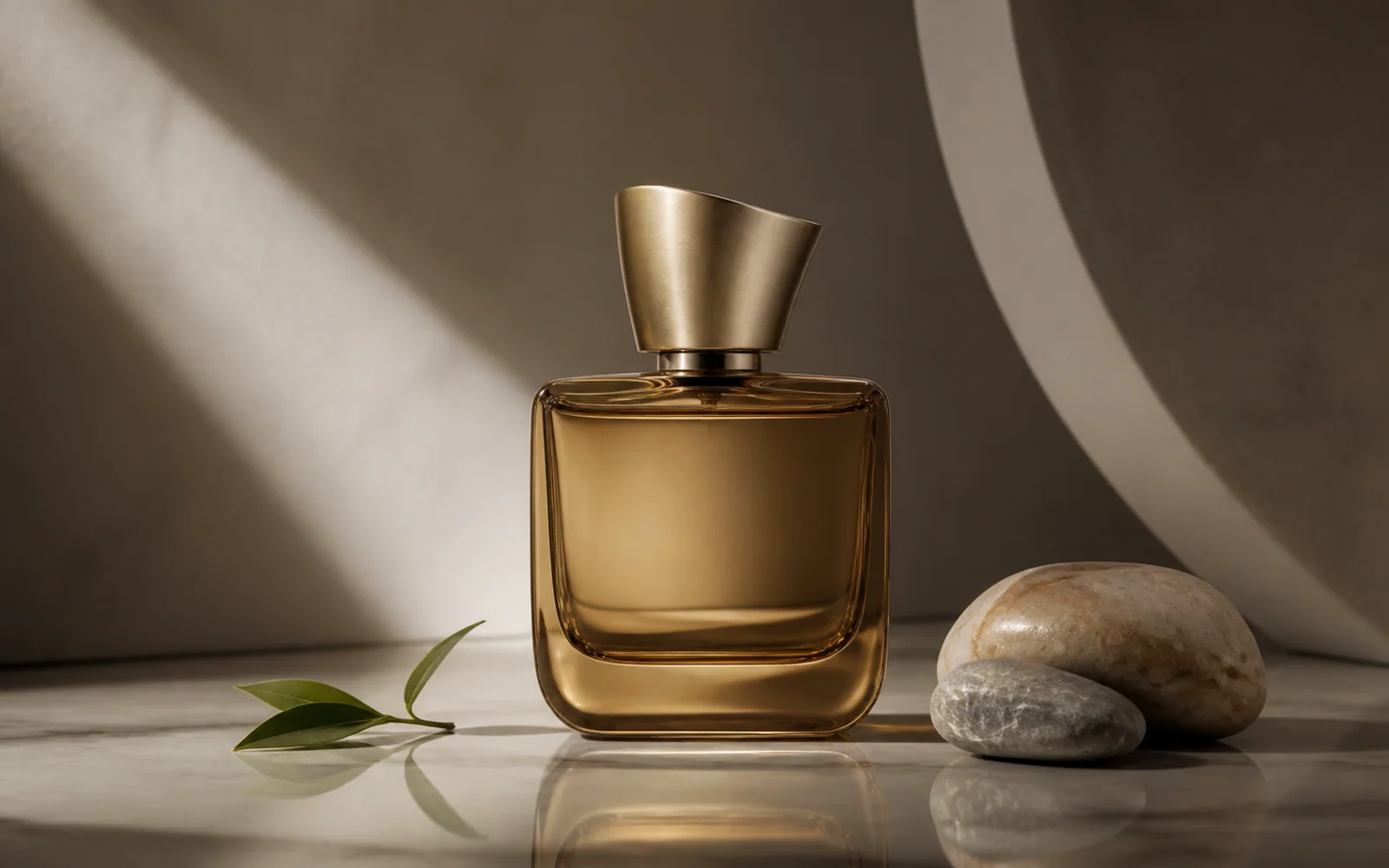
Add a cast shadow
Tune supported shadow settings around the image.
- Shadow offset and blur
- Review against the background
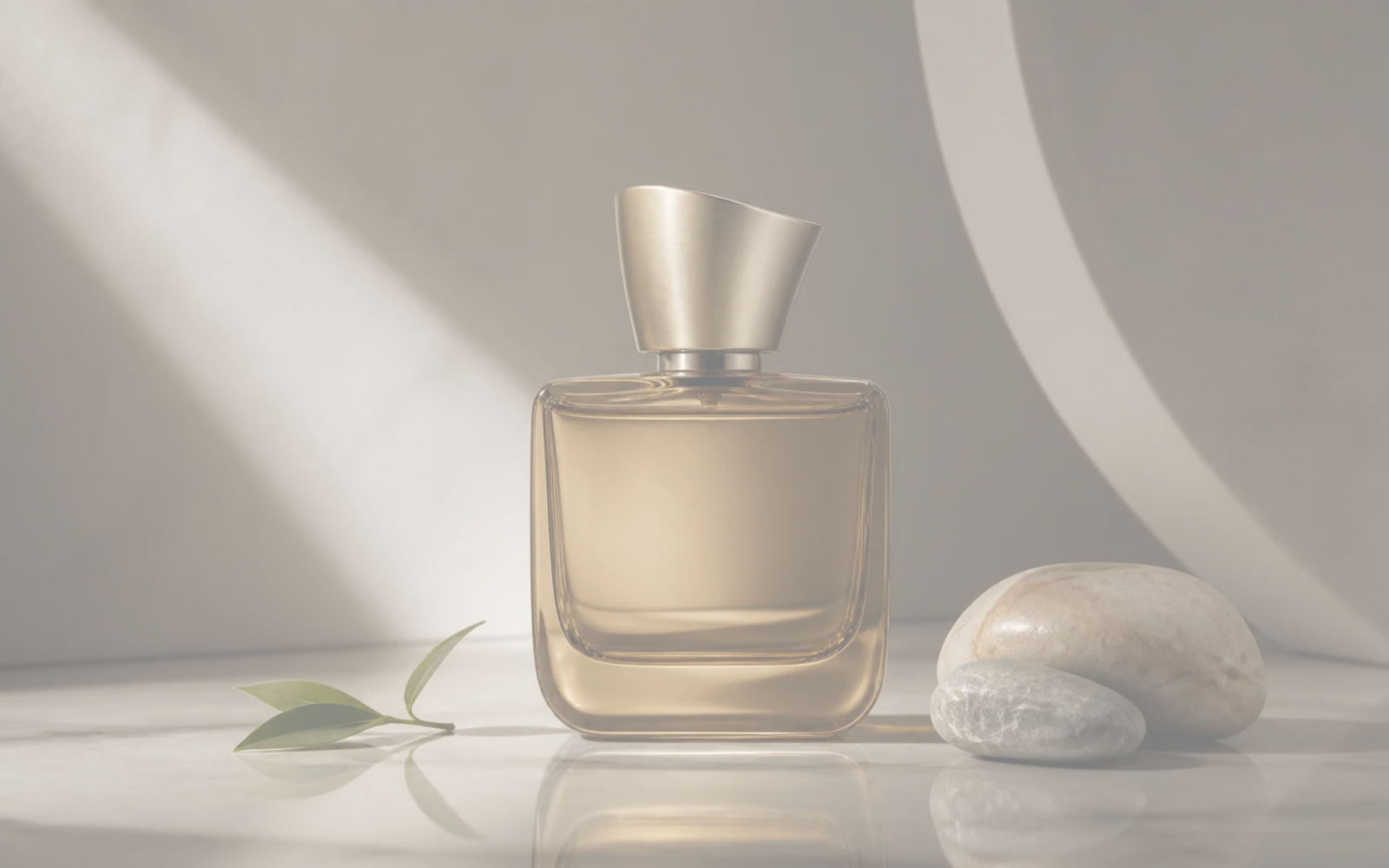
Export the visible effect
Save a rendered image that includes the applied effect.
- Visible composition output
- Check edges before export
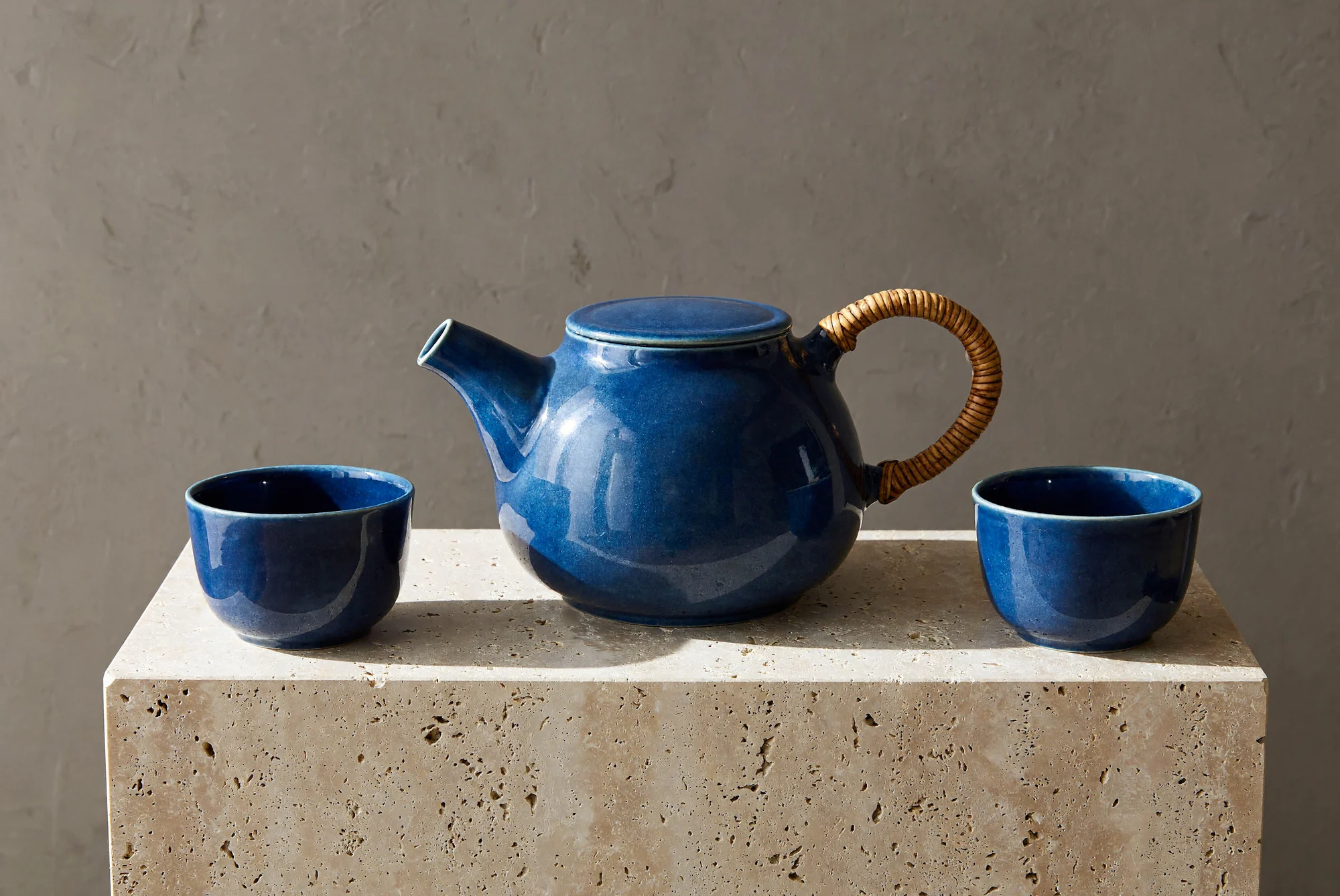
Choose a shadow tone for the background
Adjust the shadow color and softness against the intended backdrop. A restrained shadow can separate the image from its surroundings without overwhelming the subject.
- Shadow color control
- Compare on the intended background
Three simple steps
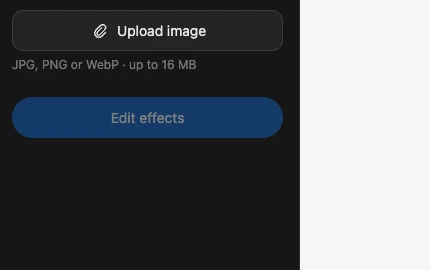
Upload the image
Choose the subject you want to treat.
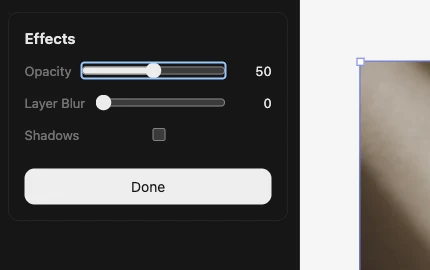
Set the effect
Adjust blur or shadow using the available controls.
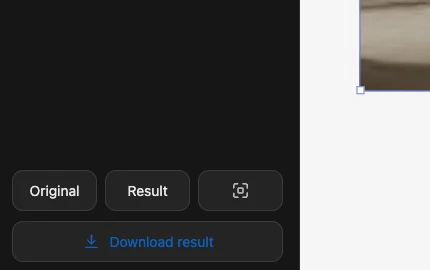
Review and download
Export the visible result.
Keep working on your image
Frequently asked questions
Is this a library of artistic filters?
No. This page exposes the supported image effects, including blur and shadow controls.
Does blur improve low-resolution detail?
No. Blur softens the image. Use Image Upscaler when you want a larger output.
Can I adjust the shadow?
The existing effect controls allow shadow direction, offset, blur and color adjustments.
Will the result include the effect?
Download the rendered composition to include visible blur and shadows.
What should I check?
Review edge softness, shadow clipping and contrast against the intended background.