AI Mood Board Maker
Complete the required fields (*) to upload and generate.
Example preview
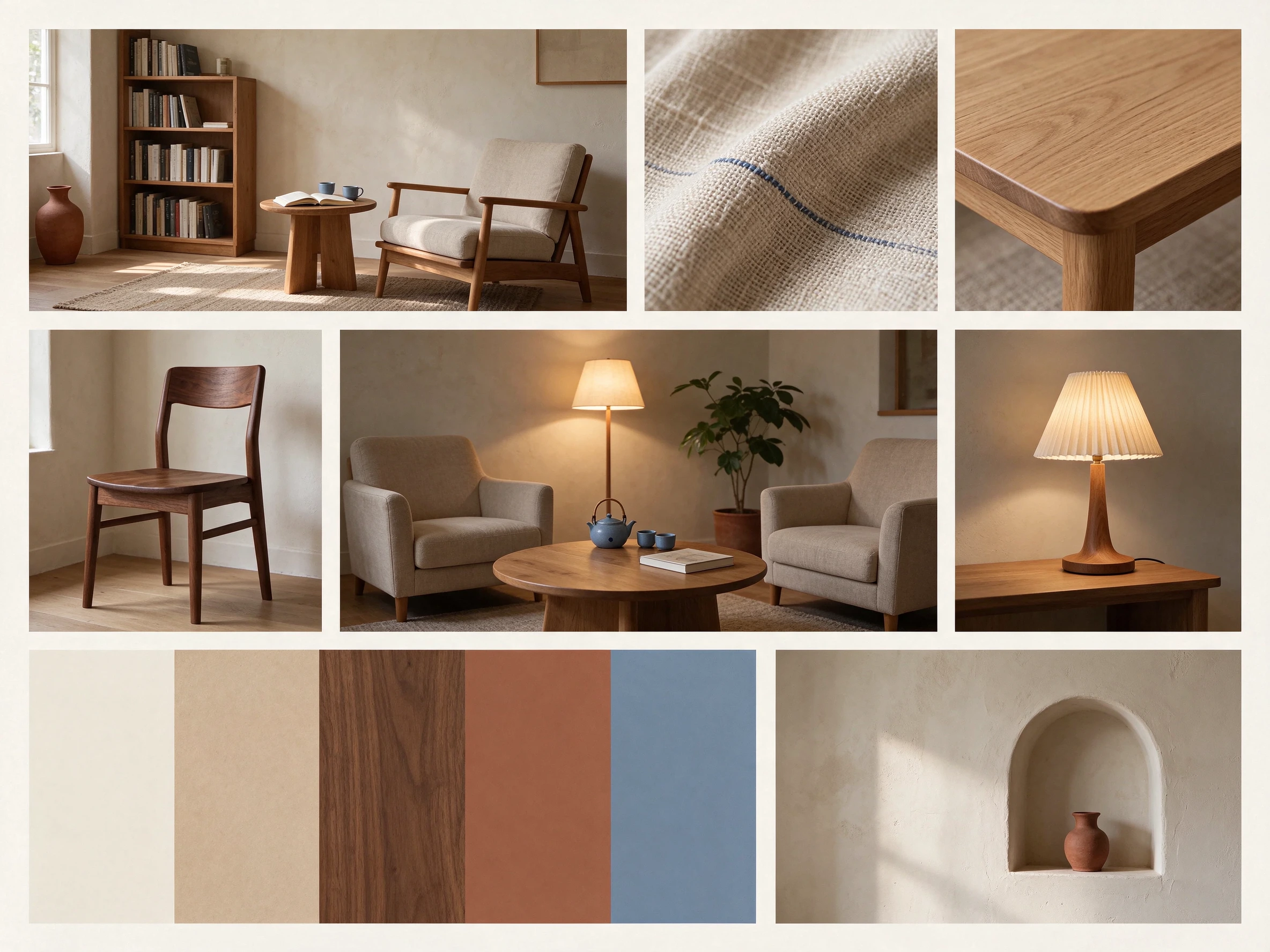
Seedream 5.5 · Review identity, artwork, and text before use
Give scattered ideas a common visual language
Turn a creative theme and optional references into one visual direction. Choose a design context, palette, and arrangement to explore materials, objects, color, and atmosphere in a single mood board image.
The board brings the selected palette, material direction, and context into one composition. Share it to discuss a concept before sourcing products or planning production; it is inspiration, not a bill of materials.
Start creating
Start with a theme or your own references
Describe the atmosphere in plain language. Switch to reference mode to include room photos, product imagery, or materials. Specific colors and textures are more useful than a long list of unrelated style words.
- Text or reference-guided input
- One focused creative direction

Connect palette, material, and use case
Interior, brand, and fashion presets change the kinds of objects and textures requested. Palette and arrangement controls describe how those pieces should relate; they do not return measured paint values or licensed stock assets.
- Three design contexts
- Grid or tactile collage
From explicit inputs to a reviewable result
- Theme and atmosphere
- A coastal reading room: warm oak, chalk white, woven linen, muted blue.
Design context
Interior · Brand · Fashion
Palette direction
Warm neutral · Cool calm · Expressive
Arrangement
Grid · Collage
Present a direction, then refine the brief
Review whether the images, swatches, and proportions tell the same story. Use the downloaded board in a concept discussion, then verify actual products, colors, and rights in your production workflow.
- One flattened board image
- No editable asset library
Create in three steps
- 01
Describe the atmosphere
Write a specific theme and add optional references.
- 02
Choose the visual direction
Set the context, palette, and arrangement.
- 03
Review the board as a whole
Check harmony, materials, and relevance before downloading.
Continue your creative workflow
Frequently asked questions
Does this tool use credits?
Generation uses your Banana Pro account and the Seedream 5.5 cost shown on the button. Reference images and output settings affect the quote. Download access follows your existing account plan; review the current price before submitting.
Can I create a board from text only?
Yes. Describe the theme and choose the design context, palette, and arrangement. Use reference mode when a particular room, product, or material should guide the result.
Will it identify exact products or paint colors?
No. Generated objects and colors are visual suggestions, not verified products, technical specifications, or measured color matches. Check those details separately before buying or producing anything.
Can I edit each tile separately?
The result is one flattened image. You can change the brief and regenerate, but this page does not provide draggable tiles, editable layers, a brand kit, or source files for individual objects.
What do I download?
You receive a flattened image, not an editable PSD, vector document, or print production file. Download uses the same account access checks as the main image generator. Check dimensions, details, and source rights before publishing.
Create with AI Mood Board Maker
Turn a creative theme and optional references into one visual direction. Choose a design context, palette, and arrangement to explore materials, objects, color, and atmosphere in a single mood board image.
Start creating