Business Card Mockup Generator
Example preview
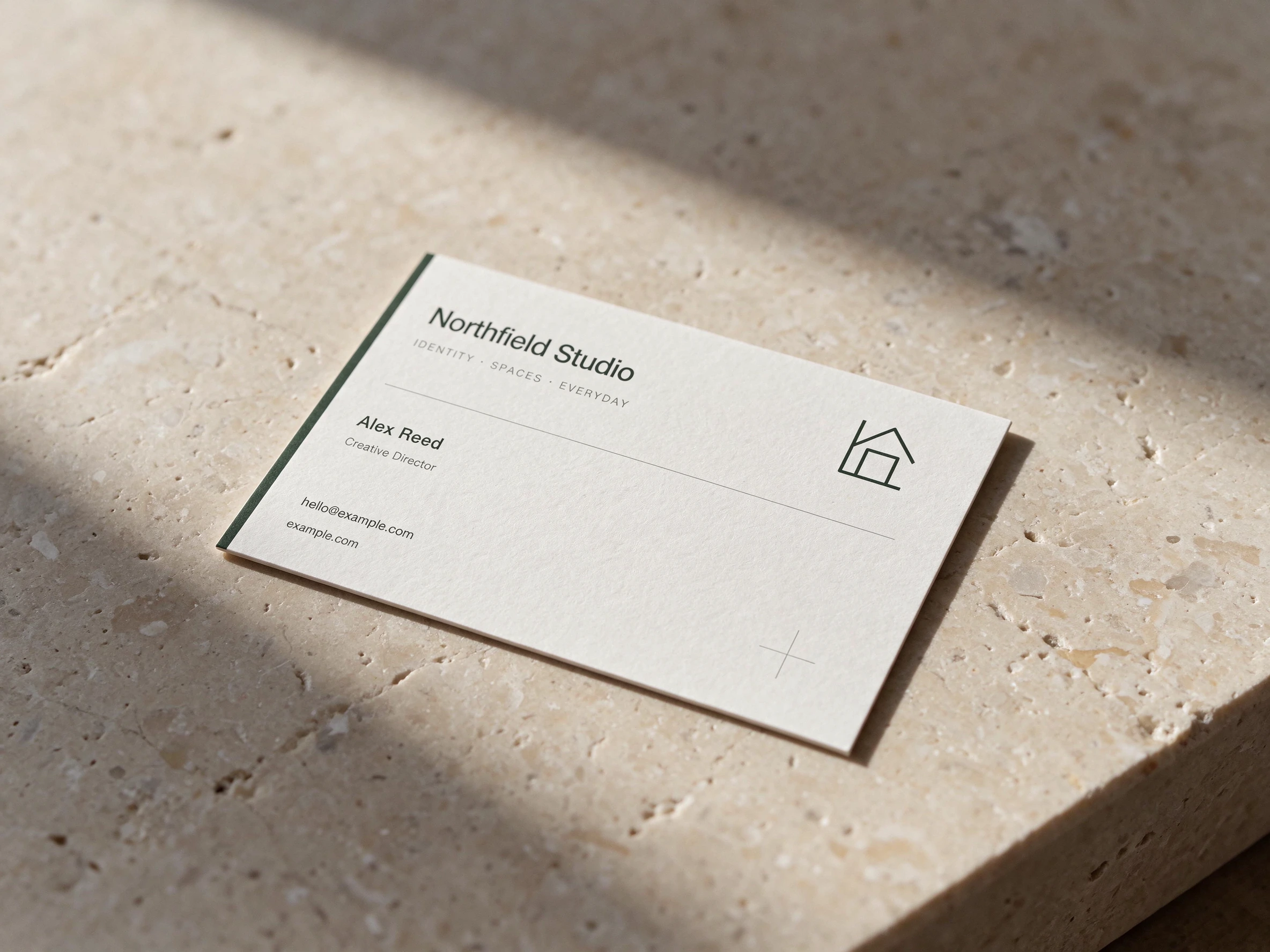
Seedream 5.5 · Review identity, artwork, and text before use
From flat artwork to a card you can picture
Place your finished business card design into a photographic presentation. Upload the flat artwork, choose a surface and camera angle, then review the mockup for your portfolio or client presentation.
The design reference supplies the identity; the selected scene supplies the presentation. Use the large preview to inspect type, color, and card edges before adding the result to a branding proposal.
Start creating
Start with your own card artwork
A required design image anchors the mockup. The prompt asks the model to retain the artwork rather than invent a new brand; small type and logos still need a careful comparison.
- One design reference
- No invented contact details

Choose the presentation, not a new identity
Change the surface, paper appearance, or camera angle using separate presets. These choices describe the scene; they do not change your source file or promise a physical print finish.
- Desk, stack, or studio
- Matte or smooth appearance
From explicit inputs to a reviewable result
Scene
Desk · Card stack · Studio
Paper appearance
Matte · Smooth
Camera angle
Three-quarter · Flat lay
Review the mockup as a presentation image
Use the result for a pitch, case study, or portfolio after checking the design at full size. Keep your original production artwork for print; the generated image is a scene, not a replacement artwork file.
- Inspect typography and perspective
- Download a flattened image
Create in three steps
- 01
Upload the finished design
Use a flat, readable card image with all four edges visible.
- 02
Choose the scene
Set surface, paper appearance, and angle; add specific notes if needed.
- 03
Generate and inspect
Compare logos and type with the original before downloading.
Continue your creative workflow
Frequently asked questions
Does this tool use credits?
Generation uses your Banana Pro account and the Seedream 5.5 cost shown on the button. Reference images and output settings affect the quote. Download access follows your existing account plan; review the current price before submitting.
Can I start without a card design?
This page requires an existing card design. It creates a presentation mockup, rather than designing a business card from only a company name.
Will every letter stay identical?
The model is instructed to retain your artwork, but generative rendering can distort small letters, logos, or edges. Compare the result with the source. Use a conventional mockup editor when exact artwork reproduction is essential.
Are paper presets print specifications?
No. They describe a visual finish in the scene. No paper weight, bleed, color profile, embossing, or printer acceptance is guaranteed.
What do I download?
You receive a flattened image, not an editable PSD, vector document, or print production file. Download uses the same account access checks as the main image generator. Check dimensions, details, and source rights before publishing.
Create with Business Card Mockup Generator
Place your finished business card design into a photographic presentation. Upload the flat artwork, choose a surface and camera angle, then review the mockup for your portfolio or client presentation.
Start creating